
Best Hiking Apps Comparison – Find the Right App for Your Hike
Hiking apps help you plan routes, navigate trails, and stay safe outdoors. There are many options available, and choosing the right one can make your hike much smoother. This guide compares the most popular hiking apps so you can pick what works best for you.
Why Use a Hiking App?
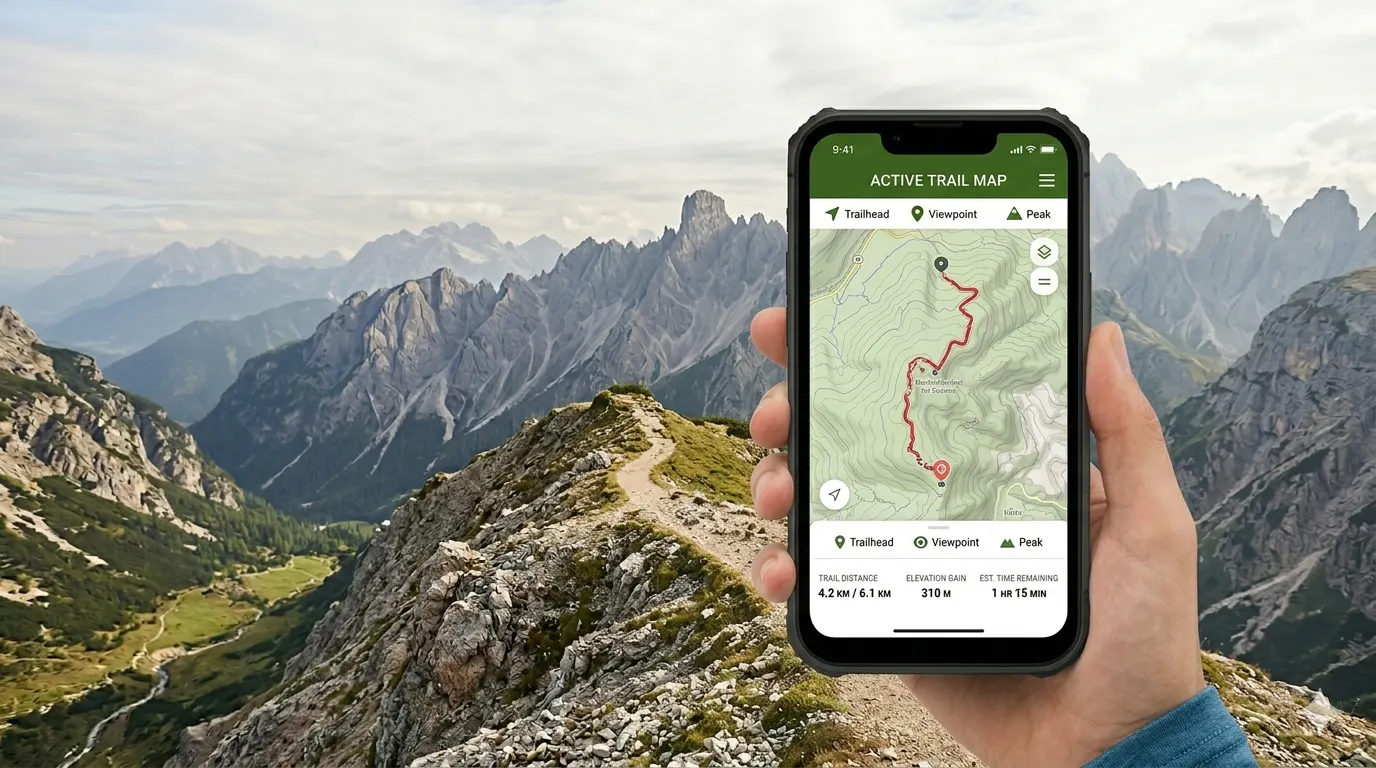
A good hiking app replaces heavy paper maps. It helps you track your location in real time. Some apps even work offline, which is useful in areas with no signal.
Here is what most hiking apps can do for you:
- Show detailed trail maps with elevation data
- Track your route using GPS
- Let you download maps for offline use
- Share your location with emergency contacts
- Display trail reviews and difficulty ratings
Top Hiking Apps Compared
Below, you will find a clear comparison of the most widely used hiking apps. Each has its own strengths depending on your needs.
1. AllTrails
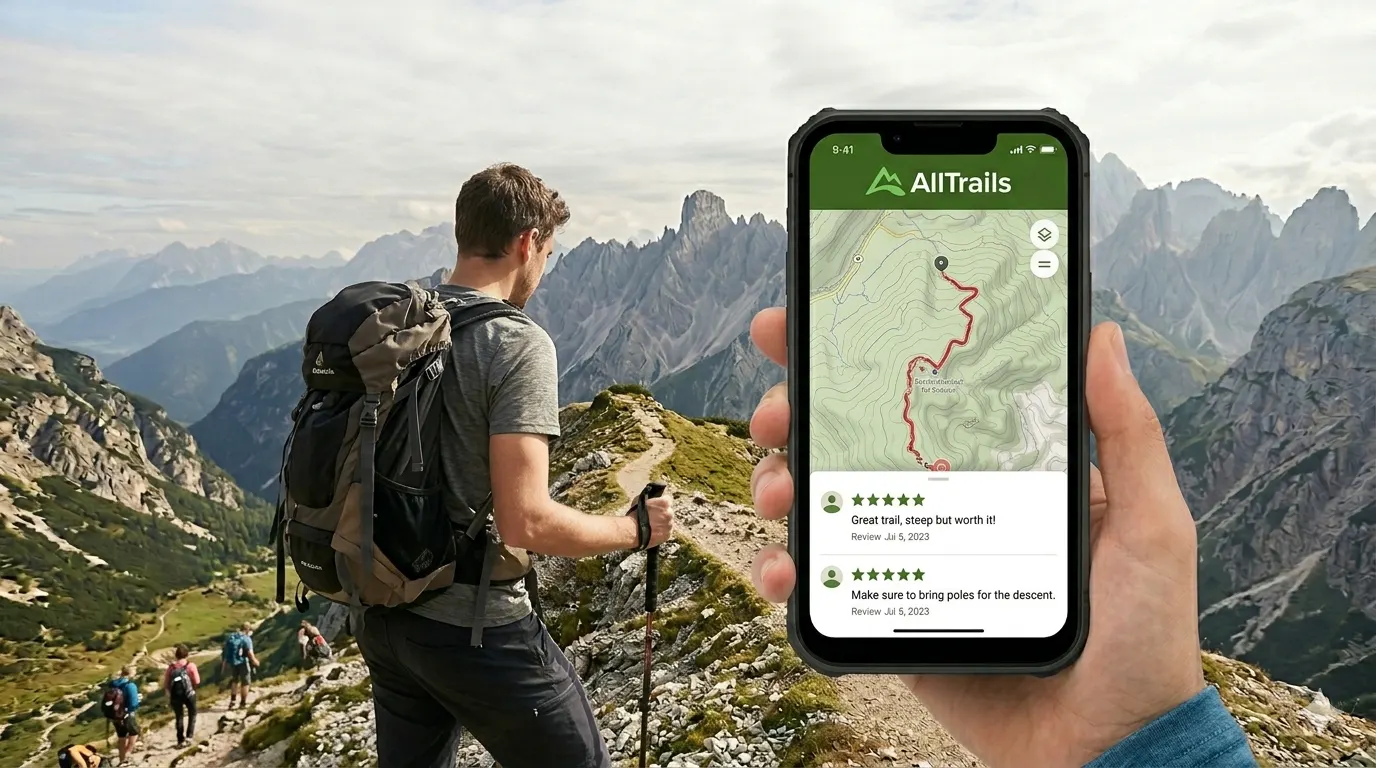
AllTrails is one of the most popular hiking apps worldwide. It has a large community of hikers who leave reviews and photos. This makes it easy to research a trail before you go.
Pros:
- Huge database of trails in many countries
- User reviews and photos for most trails
- Beginner-friendly interface
- Offline maps available with the Pro plan
- Free version with basic features
Cons:
- Offline maps require a paid subscription
- Some trail data may be outdated
- Navigation features are basic compared to others
Best for: Beginners and casual hikers who want to discover new trails.
2. Gaia GPS
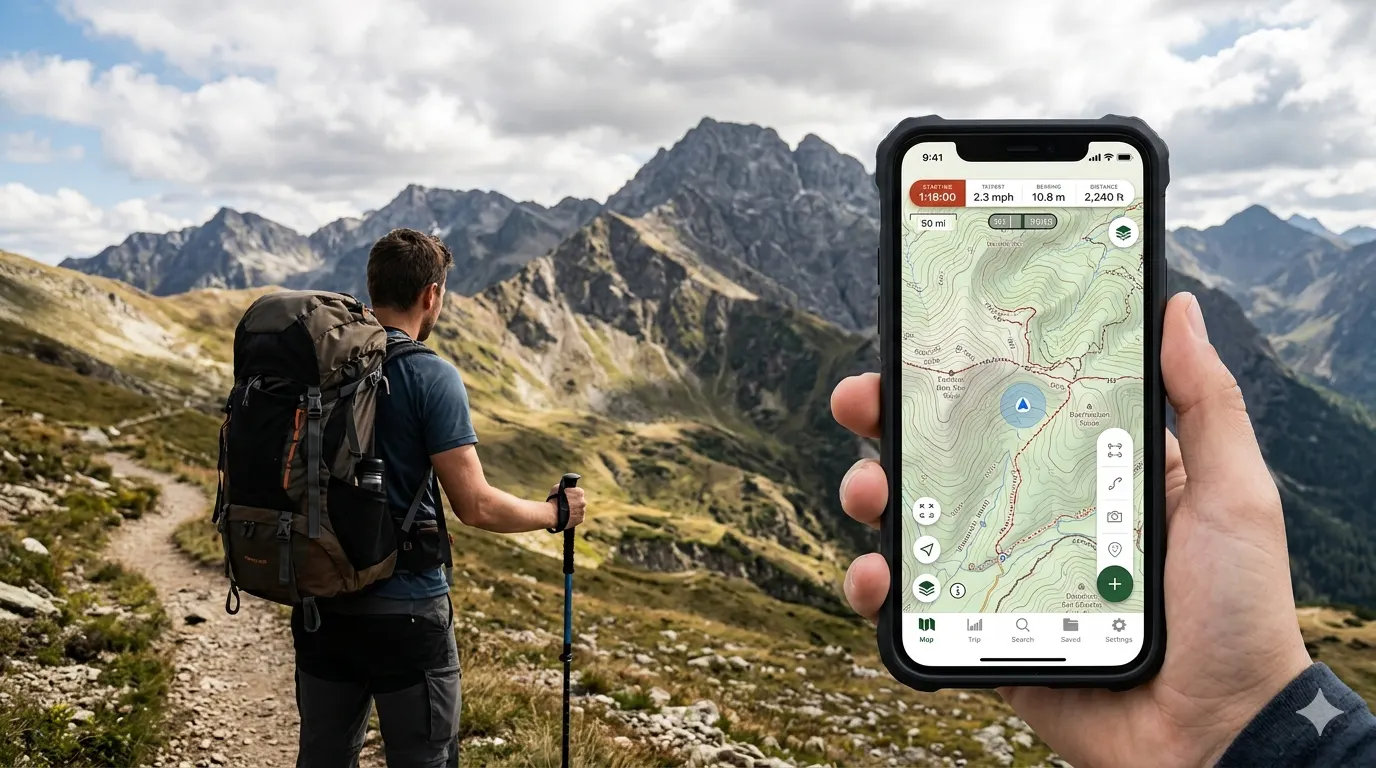
Gaia GPS is built for serious hikers and backcountry adventurers. It offers detailed topographic maps and strong offline support. It takes a bit more time to learn, but it is very powerful.
Pros:
- Very detailed topographic maps
- Excellent offline functionality
- Multiple map layer options (satellite, topo, weather)
- Good for route planning before your hike
- Works well in remote areas
Cons:
- Interface can feel complex for beginners
- Full features require a paid subscription
- Fewer social features than AllTrails
Best for: Experienced hikers and trekkers planning longer or more technical routes.
3. ViewRanger (Outdooractive)
ViewRanger was rebranded as Outdooractive. It offers a wide variety of outdoor activity maps. You can find hiking, cycling, and skiing routes all in one app.
Pros:
- Available in many languages and regions
- Covers multiple outdoor activities
- Good route planning tools
- BuddyBeacon feature for sharing your live location
Cons:
- Interface is not as smooth as AllTrails
- Premium features can be expensive
- Trail database is smaller in some regions
Best for: Hikers in Europe or those who do multiple outdoor sports.
4. Maps.me
Maps.me is a free offline maps app. It is not built specifically for hiking, but it can be useful for basic trail navigation. It works well in countries where other apps have fewer trails.
Pros:
- Completely free to use
- Strong offline support with no subscription
- Good coverage in less-popular regions
Cons:
- No trail reviews or difficulty ratings
- Limited hiking-specific features
- Not ideal for technical navigation
Best for: Budget-conscious hikers or those travelling in remote international destinations.
Quick Comparison Table
| App | Best For | Free Version | Offline Maps | Trail Reviews |
|---|---|---|---|---|
| AllTrails | Beginners & trail discovery | Yes | Paid only | Yes |
| Gaia GPS | Backcountry & technical routes | Limited | Yes (paid) | No |
| Outdooractive | Multi-sport & European trails | Yes | Yes (paid) | Yes |
| Maps.me | Budget & international travel | Yes (fully) | Yes (free) | No |
How to Choose the Right App for You
The best app depends on your hiking style and needs. Here are a few simple questions to help you decide:
- Are you a beginner? Start with AllTrails. It is easy to use and has plenty of trail ideas.
- Do you hike in remote areas? Try Gaia GPS for its strong offline maps and topographic detail.
- Are you on a tight budget? Maps.me gives you free offline maps with no subscription needed.
- Do you hike in Europe or do multiple sports? Outdooractive covers a wide range of activities and regions.
You do not have to stick to just one app. Many hikers use two apps together. For example, AllTrails for trail research and Gaia GPS for navigation during the hike.
Tips for Getting the Most Out of Hiking Apps
- Download your maps before leaving home. Do not rely on mobile data on the trail.
- Carry a portable battery pack. GPS drains your phone quickly.
- Check trail conditions and recent reviews before you head out.
- Share your planned route with someone you trust before your hike.
- Use the app alongside basic navigation skills. Apps can fail or run out of battery.
Related Articles You Might Like
- Essential Hiking Gear for Beginners What to Pack on Your First Trail
- 10 Hiking Safety Tips Every Hiker Should Know
- How to Read a Trail Map A Simple Guide for New Hikers
Conclusion
Choosing the right hiking app can make your experience safer and more enjoyable. AllTrails is a great starting point for most hikers. If you explore more technical or remote trails, Gaia GPS is worth trying. Take time to test a free version before committing to a paid plan.
Ready to hit the trail? Download one of these apps, explore a local trail, and see how much easier navigation becomes. Happy hiking!
Frequently Asked Questions (FAQs)
Which hiking app works best without internet?
Gaia GPS and Maps.me both offer strong offline support. AllTrails also allows offline maps, but only with a paid Pro subscription. Download your maps before you leave home to stay safe on the trail.
Is AllTrails free to use?
Yes, AllTrails has a free version. It lets you browse trails, read reviews, and use basic navigation. Offline maps and some advanced features require the AllTrails Pro subscription.
Can I use more than one hiking app at a time?
Yes, many hikers do this. A common combination is using AllTrails to research a trail and Gaia GPS for detailed navigation during the hike. Using two apps can give you more coverage and reliability.
Are hiking apps safe to rely on?
Hiking apps are helpful tools, but they should not be your only safety plan. Phones can run out of battery or lose signal. It is a good idea to carry a paper map as a backup and let someone know your route before you go.



No comments yet. Be the first to share your thoughts.